Open-source navigation
for a smarter campus
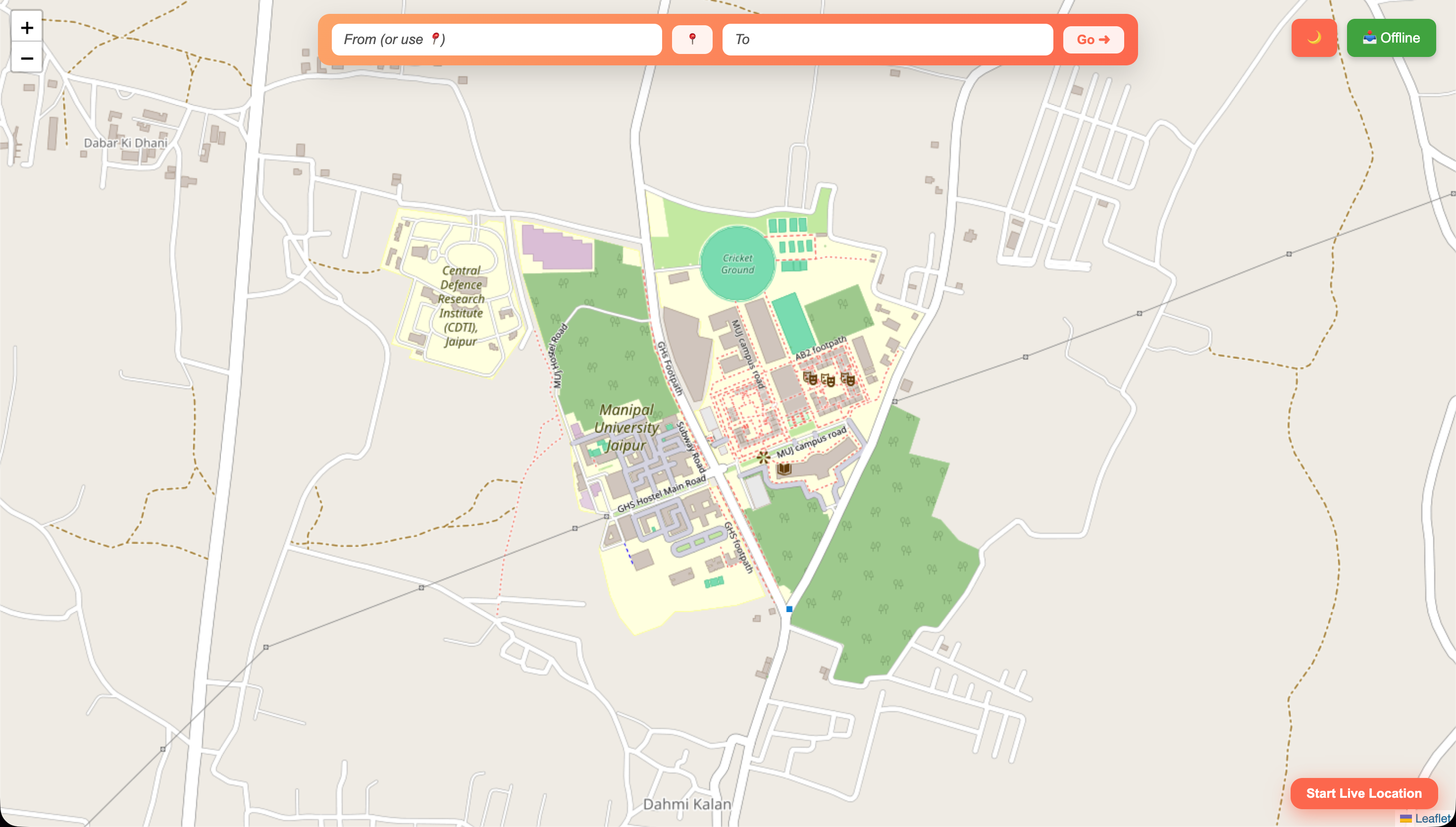
Finding your way across Manipal University Jaipur shouldn't require asking three people for directions. UniNav is a civic-grade interactive map platform built from the ground up for the MUJ community.
Built on OpenStreetMap open geographic data and real-time routing from OpenRouteService (ORS), the platform delivers accurate walking directions across the entire campus — free to access, forever.
The project runs as two independently deployed modules, each serving a distinct zone of campus life — academic and residential.
College Campus Zone
Academic blocks, libraries, research labs, auditoriums, and all administrative buildings.
Hostel Campus Zone
Student residences, mess facilities, sports grounds, and recreational areas.
Cross-Zone Routing
Seamless route planning between academic and residential zones with live path rendering.
Explore the campus
Click to launch the full interactive navigator — live routing, building search, and zone switching.
How UniNav works
Open the platform
Visit manipalmap.vercel.app in any browser. The MUJ campus map loads instantly — no app install needed.
Search a destination
Type any building, block, or facility — "Library", "Hostel B", "Mess Hall" — in the smart search bar.
Get your route
Tap a location pin and request walking directions. ORS calculates and renders your route in real time.
Navigate campus
Follow the highlighted path across MUJ. Works on any device — phone, tablet, or desktop.